
iCat resource
Contents Restoration Training Software: A Field Guide

Contents restoration training software should help a crew apply the same job standards in the field, warehouse, and office. For an operations manager, the decision is not which screen has the most features. It is whether each role can capture, update, and find the information needed at its stage. Start with a repeatable workflow, then train people on the decisions and records that keep work moving.
Talk with a contents restoration software expert
What should contents restoration training software support?
It should support role-based practice on the records and handoffs that crews use for contents work. Software does not replace job instruction or supervisor judgment. Training should make clear which information belongs in a record, who updates it, and what the next person needs before work proceeds.
For an owner or operations manager, this means tying onboarding to actual job stages: field capture, pack-out, warehouse processing, cleaning, storage, pack-back, and return. A trainee should be able to explain what must be recorded at each transition, not only navigate an app. The aim is a reliable operational chain, with fewer questions that depend on one experienced employee remembering what happened.
iCat is contents restoration management software with an iPhone app and a cloud web portal. Its product history dates to 2009, when it introduced a photo inventory workflow. Read the iCat company background and the contents restoration platform overview for product context. When shaping training, keep the lesson centered on your team's process rather than assuming a software screen defines the job standard.
How should an operations manager build a training plan?
Build training around job stages and role responsibilities. Begin with a written standard for what the team must capture, when a record changes, and how exceptions are escalated. Then use a supervised practice job or controlled sample workflow to check whether people can apply the standard from start to finish.
For field technicians, practice creating clear item records with photos, descriptions, location, and identifiers where the workflow requires them. Show how to confirm a room or box association and how to correct an incomplete capture. Ask the trainee to explain which details help the next person locate and recognize an item. The goal is dependable documentation, not speed at any cost.
For warehouse leads, train on the status changes the operation uses, including where items are, what work remains, and how movement is recorded. Make the handoff explicit: who changes the status, what must be checked first, and who needs to know about an exception. A label such as ready only helps when the crew agrees what readiness means and what action follows.
For office staff and estimators, explain how to retrieve inventory and production records and distinguish those facts from estimating decisions. Inventory documentation can support accurate estimating by recording quantities and services, but the inventory record is not itself an estimate. Train the reviewer to trace a detail back to its source and request clarification rather than filling an information gap with an assumption.
Before training begins, map the current workflow on one representative job. For each handoff, write down the incoming owner, the information they need, the action they take, and the evidence that the action is complete. If two teams give different answers about who updates a status, resolve that ownership question first. Otherwise, training may teach the same ambiguity more consistently without fixing it.
Which skills belong at each job stage?
Train the task, the record, and the handoff together. This matrix is a starting point. Adapt it to the contractor's approved procedures, job scope, and terminology before using it as a competency check.
| Job stage | Practice focus | Readiness check |
|---|---|---|
| Field capture | Photograph and identify items; record applicable location and identifiers | A second team member can find and recognize the item record |
| Pack-out and receiving | Confirm movement to the warehouse and resolve identifier mismatches | Each exception has an owner and next action |
| Warehouse processing | Update location and production status using defined terms | A lead can identify pending work without relying on memory |
| Pack-back and return | Use picklists and verify staged items against their destination | The team can reconcile what is staged, delivered, or pending |
| Office review | Retrieve records and distinguish inventory facts from estimating decisions | The reviewer can trace source information and flag gaps |
Use the same language in training, job aids, and the system wherever possible. If a location name or status has several meanings, define one operational meaning and teach it. For example, decide whether “processed” means cleaning is complete, quality review is complete, or both. Put the definition beside the relevant procedure so new employees do not have to infer it from a screen.
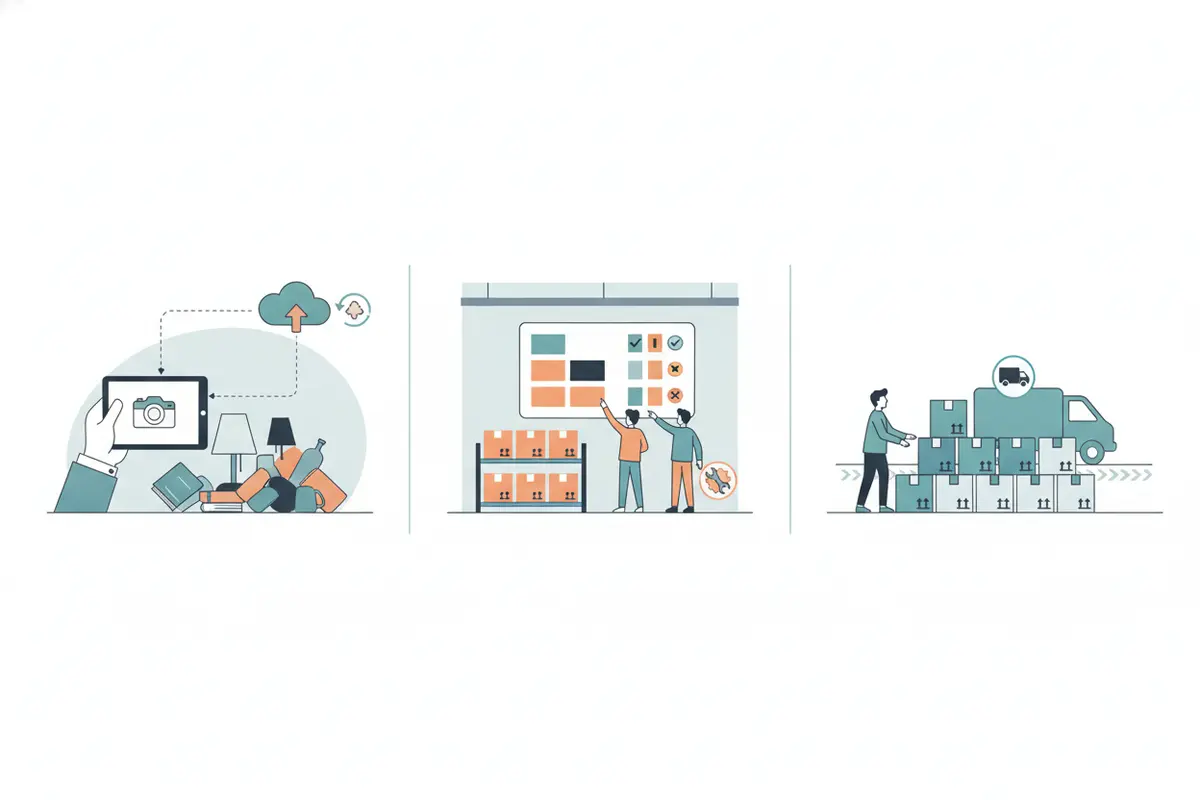
Then train the transition, not just each task in isolation. A field technician can create a complete record and still leave the warehouse team uncertain if the item-to-box association is unclear. A warehouse employee can update a status correctly while the office remains unaware of a hold. Have the receiving role repeat back what the record tells them to do. If the explanation is not consistent, improve the handoff standard before treating it as a user mistake.
How can a team check whether training worked?
Use observable checks rather than attendance alone. A supervisor can review a small, consistent sample of completed records against the team's own standard. Are the photos usable? Can another person identify the item? Is the location clear? Does the status match what is happening? Are unresolved exceptions assigned to someone with a next action?
Make the check specific enough to guide coaching. Instead of saying “improve inventory quality,” point to a record where a photo does not show the identifying detail, or where the location field does not distinguish a room from a storage area. Ask the employee to correct the record using the team's procedure, then confirm that the next role can use it. This tests both the skill and the handoff.
Track recurring failure points by stage. If records frequently lack a location, practice location capture again. If warehouse status is stale, clarify who owns the update and which event triggers it. If items are difficult to retrieve for return, rehearse the picklist and staging handoff. Treat these patterns as workflow signals, not a reason to blame an individual before the process is understood.
Set a baseline using the operation's own records, then review the same measures after coaching. For example, count how many sampled records need correction for missing identifiers, unclear location, or unresolved exceptions. Compare like with like: use the same job stages, definitions, and sampling method in each review. Avoid promising a specific time saving without evidence from comparable jobs. A practical outcome is a documented reduction in repeat corrections or missing handoff information within the team's own process.
How should you evaluate contents restoration training software?
Ask whether a platform makes the intended work teachable and visible. Check that the mobile workflow fits field conditions, that managers can review records in the web portal, and that the team can access relevant picklists or status information at the right stage. Confirm current product capabilities directly before building a standard around a particular feature.
Evaluate fit with a representative job scenario, not a feature checklist. Have one field user capture several sample items, a warehouse lead update their processing status, and an office reviewer retrieve the resulting information. Note where each person hesitates, what needs explanation, and which choices require a supervisor. Then repeat the same scenario after instruction. The difference helps identify whether the obstacle is unfamiliarity, an unclear procedure, or a product limitation.
Test the handoff across devices and roles. A field employee may need to capture information without reliable connectivity, while an office manager needs to review the resulting records later. iCat's product information describes an iPhone app with offline support and a cloud portal for managers. Confirm current availability and how the specific workflow behaves with the product team. Review the contents inventory software guide and the contents pack-out workflow overview as related context.
Include an exception in the test. For instance, give the team an item whose location is uncertain or whose identifier does not match the receiving record. Observe whether the employee records what is known, avoids guessing, and routes the issue to the right owner. A useful system should make it practical to find the record and continue the documented workflow, but the contractor still defines the decision rule and approves exceptions.
For a broader selection framework, read the contents restoration software guide for contractors. If the operation relies on system integrations, ask how relevant data is made available and review the iCat API information with the technical owner. Do not assume an integration, feature, or data flow is available until its current scope has been confirmed.
What should a first 30-day training rollout include?
In week one, document the current job stages, role owners, status terms, and records required at each handoff. Choose one frequent exception to include in practice, such as an unclear location or a mismatch between an item identifier and its record. Keep the first rollout focused. A short standard that the team can apply consistently is more useful than a long manual nobody checks.
During that first week, ask each role to describe what they receive, what they do, what they record, and who receives the next handoff. Compare answers across field, warehouse, and office staff. Where the answers differ, decide whether the variation is legitimate for different job types or whether the procedure needs clarification. Record the decision in a short job aid with examples of a complete handoff and a common exception.
In week two, train a small group using a real or controlled workflow. Ask each person to explain why the information they enter matters and who uses it next. Have the employee perform the task, not merely watch a supervisor demonstrate it. Capture questions and revise the job aid when the underlying process is unclear. Use the contractor software selection guide as a reference when the training plan and platform evaluation need to be considered together.
In week three, observe the workflow during normal work and review a consistent sample of records. Coach to specific examples while the details are fresh. If a trainee knows the standard but cannot complete a step because access, device setup, or ownership is unclear, remove that obstacle rather than repeating the same instruction.
In week four, compare the sample with the baseline and decide what to standardize, what needs more practice, and which process issue requires a management decision. Share a short summary with the team: the standard that changed, the common gap, and who owns the next review. This closes the loop and keeps training connected to job performance.
Assign an owner for each job aid and review cycle. When a workflow changes, update the instruction before assuming that a team member's old habit is a performance problem. If the process spans multiple locations or shifts, make sure the same current version is available to each group and that a supervisor can answer questions consistently.
How can supervisors make practice useful?
Give trainees realistic decisions to make, then review the reasoning. For example, present a record that lacks a clear room location. Ask the technician what to verify before completing the record, how to document uncertainty under company procedure, and who must receive the exception. This teaches the employee to recognize a gap instead of entering a guess that may misdirect warehouse work.
Practice should include a normal handoff and an exception. Have the field employee capture and identify an item, then ask a warehouse lead to locate it and continue using only the record. If the lead cannot tell what to do next, identify whether the problem is unclear training, a missing system field, or an undefined business rule. Fix the cause before repeating the exercise.
For a worked example, use a box that arrives with one identifier on the digital record and another on its physical label. The receiver should pause the normal movement, compare available details, follow the contractor's correction procedure, and assign the unresolved issue to a named role. The team should not silently overwrite information simply to clear a queue. In the debrief, ask which record changed, who needs the corrected information, and how the next person can verify the resolution.
Keep coaching specific and timely. Refer to the actual step or record, state the expected standard, and let the employee try again. When a correction reveals a confusing instruction, revise the job aid for everyone. A brief, consistent feedback loop is more useful than a one-time orientation that never returns to the work.
Include safety instruction whenever a task involves a recognized hazard. OSHA states that workers must receive appropriate safety training from their employer before engaging in potentially hazardous activities. See OSHA's training guidance, and ensure that the employer's site-specific safety procedures are taught by qualified personnel. This safety instruction complements, but does not replace, operational training for inventory records and handoffs.
Explore the iCat contents restoration platform
Frequently asked questions
Is contents restoration training software a substitute for supervisor coaching?
No. Software can make records and workflow steps available, but a supervisor still teaches job standards, evaluates exceptions, and coaches employees on decisions that require judgment.
What should a new field technician learn first?
Start with the team's item identification and photo standards, then practice recording applicable location and identifiers. The technician should know how to correct an incomplete record and when to escalate uncertainty.
Should warehouse status updates be part of training?
Yes. Define who updates each status, what event triggers the change, and how a team member handles an exception. Clear ownership helps warehouse and office staff understand what remains to be done.
Does inventory training also teach estimating?
Not by itself. Inventory records document contents and workflow facts. Estimating decisions are separate and should follow the contractor's estimating process and applicable requirements.
How often should a contents restoration team refresh training?
Review training when a workflow, role, or system changes, and use recurring record reviews to identify where a refresher is needed. The operation should set a review cadence that fits its workload and risk, then coach on observed examples rather than relying only on a calendar.
A strong rollout gives each role a clear standard, a chance to practice, and a supervisor who checks real examples. Start with one job stage, measure the errors your team actually sees, and improve the handoff before expanding the program.