
iCat resource
Restoration Company Software: A Contractor Q and A

Restoration company software should connect a contents division's work from the first room-by-room inventory through warehouse production and return. For an owner or operations manager, the practical test is whether each handoff keeps item identity, location, status, and next action clear without making the crew recreate the same record in several places.
Discuss your contents workflow
This guide focuses on contents-restoration operations, not general mitigation scheduling or accounting. It gives owners a way to map a job, identify record gaps, and assess whether software supports the stages where information changes hands. For the broader process, start with this contractor guide to contents restoration.
What should restoration company software do for a contents division?
It should help the team carry a usable contents record across field capture, receiving, cleaning and production, storage, and pack-back. Software does not replace the supervisor's operating decisions. It should make the information those decisions depend on available at each stage.
At minimum, the team needs to identify an item or container and find it again. Depending on the workflow, that record may include a description, photo, room or source location, item or box identifier, condition or status, and movement or return information. Inventory documentation is not the same as non-salvage valuation or service billing. Not every item needs a replacement value.
Field capture: Record what the crew encountered, with photos and descriptions tied to an item or container. Receiving: Confirm what arrived and associate it with the right job and storage location. Production: Give the warehouse team a work list and a way to update cleaning or processing status. Storage: Make location retrievable instead of dependent on one person's memory. Pack-back:* Identify what is ready to return and track movement through completion.
iCat is contents-restoration management software with an iPhone field app and a cloud web portal for managers. Its photo-based inventory capture can generate item descriptions; staff still need to check the record and manage the actual workflow. Its digital picklists can be shared to team devices, and cleaning status can be tracked as work moves through production. Review the iCat contents restoration platform against your stages, rather than evaluating software by feature names alone. iCat has worked in contents technology since 2009, so its product focus is the specialist workflow between field documentation and contents operations.
How should the workflow move from the field to the warehouse?
Use one consistent chain of identity and handoffs: capture, identify, receive, process, locate, and return. The precise steps can differ by operation. The essential test is whether a crew member can answer what the item is, where it is, what has happened to it, and what happens next.
- Set capture rules before dispatch. Decide how crews identify rooms, boxes, and individual items, and which fields are essential. Tell the crew how to flag exceptions, such as an item whose source room is uncertain. For example, agree whether a room code is recorded before a box number so staff can interpret both later.
- Capture at the source. Photograph and describe contents while the crew can still connect them to the room or area. Check that photos are usable and identifiers do not repeat within a job. A quick review of a few records before the crew leaves can catch missing room references while the location is still familiar.
- Reconcile at receiving. Have a warehouse lead compare incoming boxes or items with the job record. Resolve missing, damaged, or unclear entries before they become hard to trace. If a carton count differs from the field handoff, record the discrepancy and assign someone to resolve it rather than silently changing the count.
- Assign the next work state. Separate items awaiting review from those ready for processing, completed items, and exceptions. Status changes need to be visible to the people responsible for action. Use names that describe operational states, not vague labels such as "open" that can mean several things.
- Record location and movement. Update location or status when a box or item moves. A label alone does not say whether it is available, in production, or staged for return. When a box changes zone, the move should have a clear owner and a corresponding record update.
- Verify the return group. Before pack-back, reconcile the scheduled return with what is physically staged. Keep unresolved exceptions and their owner visible instead of silently marking the job complete.
A useful operating rule is that every handoff needs a responsible role, a record update, and an exception path. If a field technician hands off a box but nobody owns receiving confirmation, the process has a gap even if the software includes a status field. Assign responsibilities by role, so a team member can cover the process when a particular employee is away.
Consider a mixed load with one carton ready for storage, a second waiting on production, and a loose item with an unclear source. A sound process should let the warehouse lead locate the carton, see why the second is not ready, and route the loose item for review without changing the identity of the rest of the job. That is a practical test of linked records and clear exceptions.
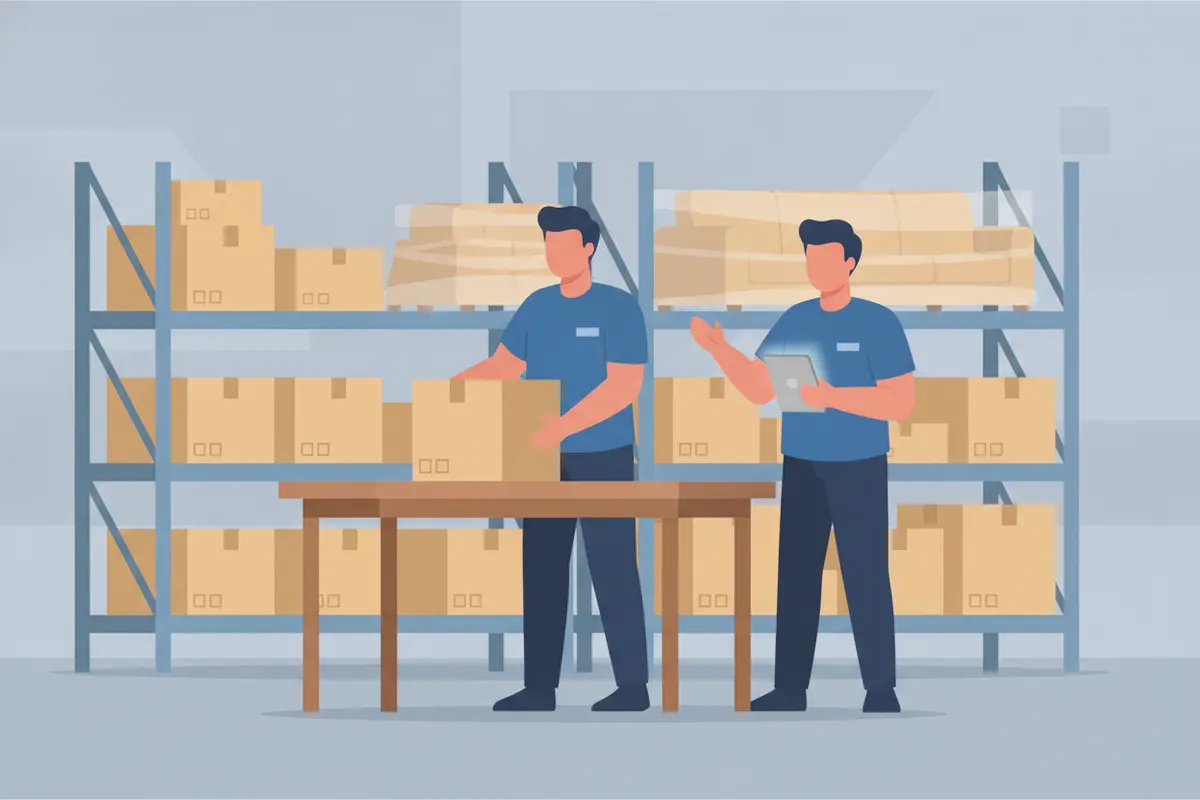
For detailed sequencing, review contents pack-out steps for contractors and the workflow from pack-out to completion. These connect field practice to warehouse work, rather than treating pack-out as a standalone event.
Which records should stay distinct?
Keep general inventory, production activity, non-salvage decisions, and billing information related but distinct. Each answers a different operational question and may apply to different groups of contents.
| Record group | What it answers | Operational control |
|---|---|---|
| General inventory | What item or box is this, where did it come from, and where is it now? | Maintain identity, photos, identifiers, status, location, and movement information as needed. |
| Production record | What work is pending or complete? | Use clear work states and update them at the facility when work occurs. |
| Non-salvage branch | Which items are separated for a non-salvage decision, and why? | Preserve item-specific evidence, authorization, pending exceptions, and chain of custody. Add replacement or depreciation information only where relevant. |
| Billing and estimating | What services or applicable line items should be estimated or billed? | Keep service quantities and billing logic separate from item identity and inventory value. |
This distinction matters on mixed jobs. General contents inventory does not mean every item needs age, depreciation, actual cash value, or replacement cost. Non-salvage contents are a separate branch. Preserve evidence and the item-specific rationale there; have a qualified person review valuation outputs before treating them as final or using them for a claim decision.
Inventory and production records can support accurate estimating by documenting quantities and services, but the contents record itself is not the same thing as an estimate. General contents may use applicable flat-rate box pricing; some contents use applicable Xactimate line items. Pack-out, pack-back, storage, and transportation have their own estimating approaches. Keep these work and billing records connected to the job without treating them as interchangeable with item identity.
See non-salvage contents list processing steps for that branch. For the inventory record supporting identification and traceability, see the guide to contents inventory software.
How do connected and disconnected workflows compare?
Compare how much re-entry, searching, and manual reconciliation each process requires. A single application does not automatically fix unclear ownership or inconsistent field habits. The operation still needs defined steps and trained users.
| Workflow question | Disconnected process | Connected process to aim for |
|---|---|---|
| Can the warehouse identify an item? | Staff search messages, spreadsheets, or handwritten notes. | Item identity and job context are available in the operating record. |
| Can the team locate a box? | Location depends on a separate list or someone's memory. | Location and movement are updated as part of the handoff. |
| Can a supervisor see pending work? | Status is assembled through calls and manual checks. | Shared status shows pending, active, complete, and exception work. |
| Can several jobs run concurrently? | Each job may add duplicate entry and follow-up. | Consistent capture and shared records reduce avoidable re-creation of information. |
Measure one representative job before changing systems. Note how often staff re-enter information, how many location searches require a call or walk-through, and how often a handoff needs clarification. Repeat the observation after a process or software change. Use the same job stages and definitions both times. This gives the owner an internal comparison without assuming a guaranteed time saving.
For example, follow one carton from room capture to return. At each stage, note whether the next role can identify its job, source, current location, and status without asking the previous role. If the carton is hard to trace, identify whether the cause was missing data, an omitted update, or no owner for the handoff. Each cause points to a different correction: capture rule, movement update, or role assignment.
A second useful check is to sample records from jobs that overlap in the warehouse. Choose one item in production, one carton in storage, and one group staged for pack-back. Ask the relevant staff member to find each using the normal record, not a private spreadsheet or personal memory. Record where the search stalls. If staff can find the item but cannot tell whether it is ready to move, the issue is status design rather than location tracking. If the status is clear but its source is ambiguous, improve the identifier or receiving step.
What should an operations manager check before selecting software?
Test the system against real job stages and exceptions. An attractive inventory screen is not enough if the team cannot use its records to receive, process, locate, and return contents.
Can field staff capture photos and descriptions in the conditions where they work? Can the warehouse team identify job, box, item, and current location without relying on a separate memory-based process? Can managers see useful status and distinguish normal work from exceptions? Can supervisors decide what must be verified before pack-back? Are estimating and billing records kept distinct from general inventory data? Are mobile requirements compatible with the devices your crews use? * Are feature limits, integrations, and any additional charges clearly explained before adoption?
Turn those questions into a short acceptance test. Use one ordinary job and one job with an exception. For the ordinary job, ask a field user to capture several items, then ask a warehouse lead to receive and locate them. For the exception, make the source room unclear or flag a count mismatch. Check whether staff can preserve the known information while leaving the unresolved issue visible. The test should follow actual roles, not just a manager's demonstration.
iCat supports photo-based inventory, digital picklists shared to team devices, real-time cleaning status tracking, and a cloud portal for administrative and management work. Cleaning-code matching, pack-out material estimates, and measured dimensions have been described as beta capabilities. Confirm current scope before relying on them. Do not assume a planned integration is live; ask for a walkthrough of the current workflow and verify the steps that matter to your team.
iCat API access may be relevant when an operation needs to evaluate data exchange, but API availability alone does not establish that a specific connection is configured. Review iCat API access information and discuss the systems and data involved. Treat any required exchange as a specific test: identify the fields, the direction of transfer, the person responsible for setup, and how errors will be handled.
Information security also belongs in the evaluation. Decide which roles need access to job records, how staff credentials are managed, and what procedures apply when a device or account is lost. The National Institute of Standards and Technology provides government information on cybersecurity and risk management; use its resources as general context, not as evidence that a particular software product has a certification or meets a specific standard.
During a walkthrough, use a sample job with both ordinary items and an exception. Ask the presenter to show how a field record reaches receiving, how a location change is captured, how production status becomes visible, and how an unresolved item is kept from disappearing from the return list. Then test the same scenario with the warehouse lead who will use the process. A product may demonstrate a function, but the operator should confirm the function fits their roles and real handoffs.
To estimate the operational impact, separate the labor you can observe from benefits you cannot yet verify. Count duplicate data entry, clarification calls, and searches on the sample job. Do not convert that count into a promised savings figure. Instead, use it as a baseline and decide what measurable process change you want to check after adoption, such as fewer repeated entries or more complete receiving updates. Keep the definitions stable: count a repeated record once when it is actually re-entered, and distinguish a routine verification from a search caused by missing information.
For product context, compare the tested workflow with the contents restoration software selection guide. If your operation needs to understand how iCat's capabilities fit the work, review the iCat background and product history alongside a current product walkthrough. This lets an owner assess both the specialist focus and the specific functions demonstrated, without assuming every capability works in every configuration.
Frequently asked questions
Is restoration company software the same as general restoration management software?
Not necessarily. General platforms may focus on mitigation, scheduling, or broad project management. A contents operation also needs item and box identity, receiving, production status, location, and return controls. Evaluate the stages your contents team actually owns.
Does every inventoried item need a valuation?
No. General inventory records identify and track contents. Replacement information, age, depreciation, or other valuation details belong only where the non-salvage workflow and job requirements call for them. A qualified person must review AI-generated pricing or valuation before it is treated as final.
How can a contractor reduce warehouse search time?
Standardize how boxes and items are identified, make location updates part of each movement handoff, and assign a role to reconcile arrivals and exceptions. Track how often staff still need to search or ask someone to locate contents.
What is the best first step before adopting a new system?
Map one recent job from field capture through return. Mark every point where information was re-entered, lost, or clarified by phone. Use those specific gaps as acceptance tests during a software walkthrough.
What should a contractor verify about integrations?
Ask which specific systems and data are supported now, which steps require configuration, and which capabilities are still planned or in beta. Test the exact exchange your team needs rather than treating API access or a roadmap statement as proof that a connection is operational.
A dependable contents workflow preserves identity, location, status, and responsibility at every handoff. Start with one job-stage map, then verify that the process and software support the controls your team needs.