
iCat resource
Contents Restoration Warehouse Management Software: An Implementation Guide for pc insurance
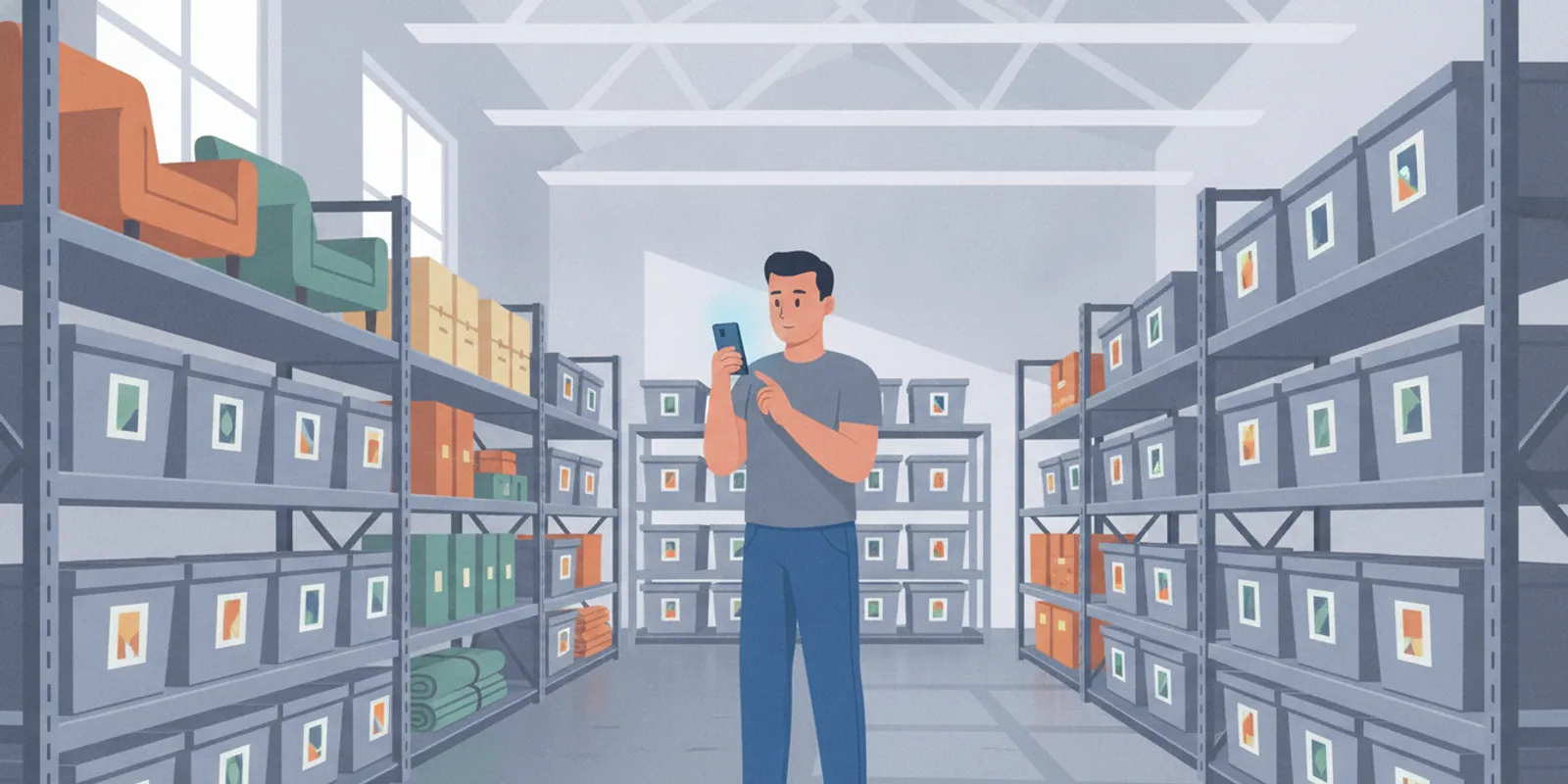
Contents restoration warehouse management software helps contractors keep item identity, location, condition, and production status connected as contents move through the facility. For a contractor handling a pc insurance claim, the same principle applies: each record should make the work traceable without forcing the team to reconstruct what happened later.
Talk to a contents restoration software expert
By Riaz Walji
What should warehouse management software do for a contents restoration contractor?
It should help a team answer four operational questions: what is the item, where is it, what is happening to it, and what must happen next? A useful system links those answers to the job and keeps them available to the people who receive, clean, store, stage, and return contents.
A survey of Industry 4.0 warehouse management systems reviews technologies adopted in smart warehouses, illustrating the broader role of digital tools in warehouse operations. See the academic survey of smart warehouse technologies for that general context. General warehouse tools can track stock quantities and bin locations. Contents restoration work has additional demands. Items arrive from a specific property, need individual identification and handling, may move through cleaning and storage, and eventually need to be returned to the correct customer. A workflow needs to preserve that job context across each handoff.
That does not mean every item requires a replacement value or estimate line. An operational inventory can capture identity, photos, room or location, item or box ID, condition or status, movement, production, and return information. If an item is determined to be non-salvage, that becomes a separate process with its own documentation and authorization needs.
For background on the broader contents workflow, see this contractor guide to contents restoration. Contractors can also review contents restoration warehouse management as they map their own facility process.
Which records need to follow an item through the warehouse?
Each item or container needs a dependable identity, a job connection, a current location, and a current status. Teams should be able to establish who made a change and when, especially when a movement or exception affects the next task.
Job and source: Connect an item or box to the correct customer, job, and originating room or area. Identity: Record a useful description, photo, and item or box identifier. A scannable label can help staff find the corresponding digital record. Condition and handling: Record observed condition and relevant handling notes. Software can report information for staff to review; people make decisions about cleaning or salvageability. Location: Keep the current warehouse zone, shelf, or other location understandable to the team. Production status: Show whether the item is awaiting cleaning, in process, complete, held for an exception, or ready for the next step. Movement and disposition: Record transfers, staging, and return so teams can trace where the item went.

A record is only useful if workers can update it where the work happens. A mobile workflow can reduce delays between physical movement and the digital record. Managers also need a shared view that makes missing locations, overdue work, and exceptions visible without asking multiple people for updates.
How should locations and labels be organized?
Use a location structure that mirrors the way staff find things on the floor. A practical hierarchy could name a facility zone, then an aisle or room, then a shelf or staging area. Choose terms workers already understand, and make each label unique. If two areas have similar names, add a distinguishing code rather than relying on local shorthand.
Decide whether a digital identifier applies to an individual item, a container, or both. A box can have its own ID while its contents retain item-level records linked to that container. That distinction matters when a box is split for cleaning or when one item is moved to a separate hold area. Staff should be able to find the current container and still see the original job and room context.
Set a simple update rule: whoever completes a physical move records the new location before starting the next task. Supervisors can check a sample of recent moves during routine floor walks. When a record and physical location disagree, correct the record and note why, rather than creating a second informal tracking method.
How should a team organize warehouse stages and handoffs?
Start by defining a small set of stages that mirrors the actual process. Every stage should have a clear entry condition, a responsible role, and a defined next step. Avoid creating statuses that sound different but do not change what a worker does.
- Receive and reconcile. Confirm that incoming boxes or items match the job record. Flag a mismatch, damage, or missing identifier before storage.
- Assign a location. Put the item in a known zone and update the record at the time of placement. Do not rely on a worker remembering a location later.
- Queue production. Make the next work clear, including any rush priority, handling requirement, or unresolved exception. Cleaning decisions are made at the facility, not assumed from an inventory entry.
- Complete and verify. Update status after the work is done. If a task cannot be completed, keep it visible as an exception rather than marking it complete.
- Stage for the next action. Separate items ready for pack-back or delivery from items still in production. Confirm the job and destination before release.
- Record return and closeout. Preserve the movement and return information needed to establish what left the facility and where it went.
For more detailed field-to-facility context, use the guide to contents pack-out steps for contractors and the overview of the contents job workflow from pack-out to completion. These links should support a process map, not replace the contractor's own standard operating procedure.
What should happen when a handoff does not go as planned?
Build an exception path before the first unusual item arrives. Common examples include a box that does not match the expected count, an unreadable identifier, visible damage, an unclear destination, or work that cannot proceed because information is missing. The system should let staff record the issue, identify who owns the next action, and keep the item out of a completed or return-ready queue until it is resolved.
For example, if a container arrives with a label that does not match the job record, receiving staff should place it in a defined hold location, record the mismatch, and notify the designated supervisor. The supervisor can reconcile the identifier against job information and decide the next step. Meanwhile, the hold status prevents another worker from treating the box as cleared for production or delivery. This keeps the physical item and its record aligned while responsibility is clear.
Set an escalation rule for unresolved exceptions. Some teams may review urgent blockers during each shift handoff and routine exceptions on a scheduled queue review. The exact timing should fit the operation, but an exception should not disappear into a general notes field where no one is accountable for closing it.
What should you compare when evaluating a system?
Compare software against the work your team must control, rather than a long feature list. Use a real job scenario to test whether the system keeps records connected as staff change roles and items move between locations.
| Evaluation area | Questions to test | What a good fit supports |
|---|---|---|
| Item identity | Can staff distinguish similar items and connect them to the right job, room, and box? | Fewer identification gaps and less time spent searching records. |
| Location and movement | Can a worker update a location or transfer from the warehouse floor? | A current location trail that the next team member can use. |
| Status and exceptions | Can supervisors see what is queued, active, complete, or held? | Clear work priorities and visible blockers. |
| Production coordination | Can teams share picklists or task information on their devices? | Consistent handoffs between warehouse and production staff. |
| Reports and estimating support | Can records show quantities and services performed without mixing separate estimate categories? | Better source records for estimating and job review. |
| Access and data exchange | Can the platform support the team's administrative access and required data connections? | A workflow that can fit existing operations and future needs. |
Ask the vendor to demonstrate a complete scenario: receive a box, locate it, move it into production, resolve an exception, stage it for return, and retrieve the history. A polished screen is not enough if the team cannot make a change quickly or cannot tell which record is authoritative.
Review the iCat contents restoration platform for an example of software built around contents operations. The product includes a mobile app and a cloud web portal; iCat describes digital picklists, cleaning-status tracking, and customer and adjuster portals among its production tools. Confirm current product details and fit directly with the provider before making a purchasing decision.
How do inventory records support estimating without becoming the estimate?
Inventory and production records help estimators understand what was handled, how many items or containers were involved, and which services were performed. They can reduce the need to reconstruct the job from memory. They do not replace the estimate, and they should not blur distinct billing or valuation categories.
Keep general inventory information separate from Xactimate line items, restoration-service billing, and non-salvage replacement valuation. General contents records document the work and movement. Applicable flat-rate box pricing may be used for some general contents, while other work may use applicable Xactimate line items. Pack-out, pack-back, storage, and transportation each have their own estimating approaches.
When discussing a software workflow, confirm what integrations are currently available and what they actually do. iCat's current messaging describes an authorized Xactimate integration, including cleaning-code matching and estimate creation directly in Xactimate. Check the provider's current product information for availability and workflow details rather than assuming every record transfers automatically.
For a practical look at how job evidence supports review, see how to document contents for an insurance adjuster. The purpose is accurate, accountable documentation of the contractor's work, not automated claim decisions.
How can a contractor implement warehouse software without disrupting jobs?
Implement in stages, beginning with one repeatable process and a small team. Keep the first rollout focused on reliable identification, location updates, status changes, and exception handling. Do not attempt to redesign every workflow while active jobs are moving through the facility.
- Map the current process. Walk through a real job from receipt to return. Note each handoff, system, label, and common exception.
- Choose standard terms. Agree on location names and status definitions. Define what each status means and who can change it.
- Set up representative records. Use realistic job types and item examples. Check how staff distinguish a box, a single item, and an exception.
- Train by role. Show receiving staff how to identify and place items, production staff how to update work, and supervisors how to review queues and exceptions.
- Run a controlled pilot. Select a manageable set of jobs. Compare system records with the physical contents and observe where staff pause or work around the process.
- Correct the process before scaling. Resolve unclear statuses, duplicate entry, missing ownership, and difficult mobile updates. Then expand to more jobs and staff.
Agree on a few operational measures before launch. Examples include the share of items with a current location, time between physical movement and status update, open exception count, and the number of items staged without a confirmed next action. These measures help identify workflow gaps; set targets from your own baseline rather than assuming a universal benchmark.
Consider how new or temporary staff will learn the process during volume spikes. A consistent digital handoff can make work easier to assign, but software does not replace clear supervision, training, or a defined chain of responsibility.
How can managers make the process reliable across shifts?
Write down a short shift-change routine that focuses on unfinished work, not a full retelling of every job. The outgoing lead can review items awaiting action, held exceptions, priority production, and staged deliveries. The incoming lead should confirm ownership and identify anything whose location or status needs checking. Keep this review tied to the shared records so both shifts work from the same current view.
Use a small sample audit to catch patterns early. For example, each week a supervisor might select several items across different stages and verify that the recorded identifier, location, and status match what is physically present. If a repeated discrepancy appears, look for the process cause: unclear location names, a slow update screen, or a handoff with no assigned owner. Correcting that cause is more useful than reminding staff to be careful without changing the workflow.
Review operational measures with context. A rising exception count may reflect more incoming work, a newly defined hold status, or a real backlog. Compare like periods and ask what action each measure should trigger. A metric that no one uses to assign work or resolve a process issue adds reporting effort without improving control.
Discuss your contents warehouse workflow
Frequently asked questions
Is warehouse management software different from contents inventory software?
Warehouse management focuses on location, movement, status, and work inside the facility. Contents inventory identifies items and connects them to a job. Restoration teams benefit when those records work together, but each serves a distinct operational purpose.
Does software decide whether an item is salvageable?
No. Software can help record an item's condition and keep its status visible. Trained people make the salvageability decision and document the item-specific rationale and required authorization.
Should every contents inventory item have a replacement value?
No. A general inventory supports identification, location, condition, movement, production, and return. Replacement or LKQ information, age, depreciation, and related valuation details belong in the separate non-salvage branch when applicable.
What is the safest way to start a warehouse software rollout?
Map one real workflow, define consistent statuses and locations, train the people involved, then pilot the process on a manageable set of jobs. Verify digital records against physical contents and fix unclear handoffs before expanding.
Build warehouse control around the work
Contents restoration warehouse management software is most useful when it keeps job context, item identity, location, production status, and exceptions connected from receipt through return. Start with the handoffs that create the most uncertainty, establish practical measures, and choose a workflow your team can maintain under everyday operating conditions.