
iCat resource
Mobile Tools for Contents Restoration: What Field Contractors Should Know
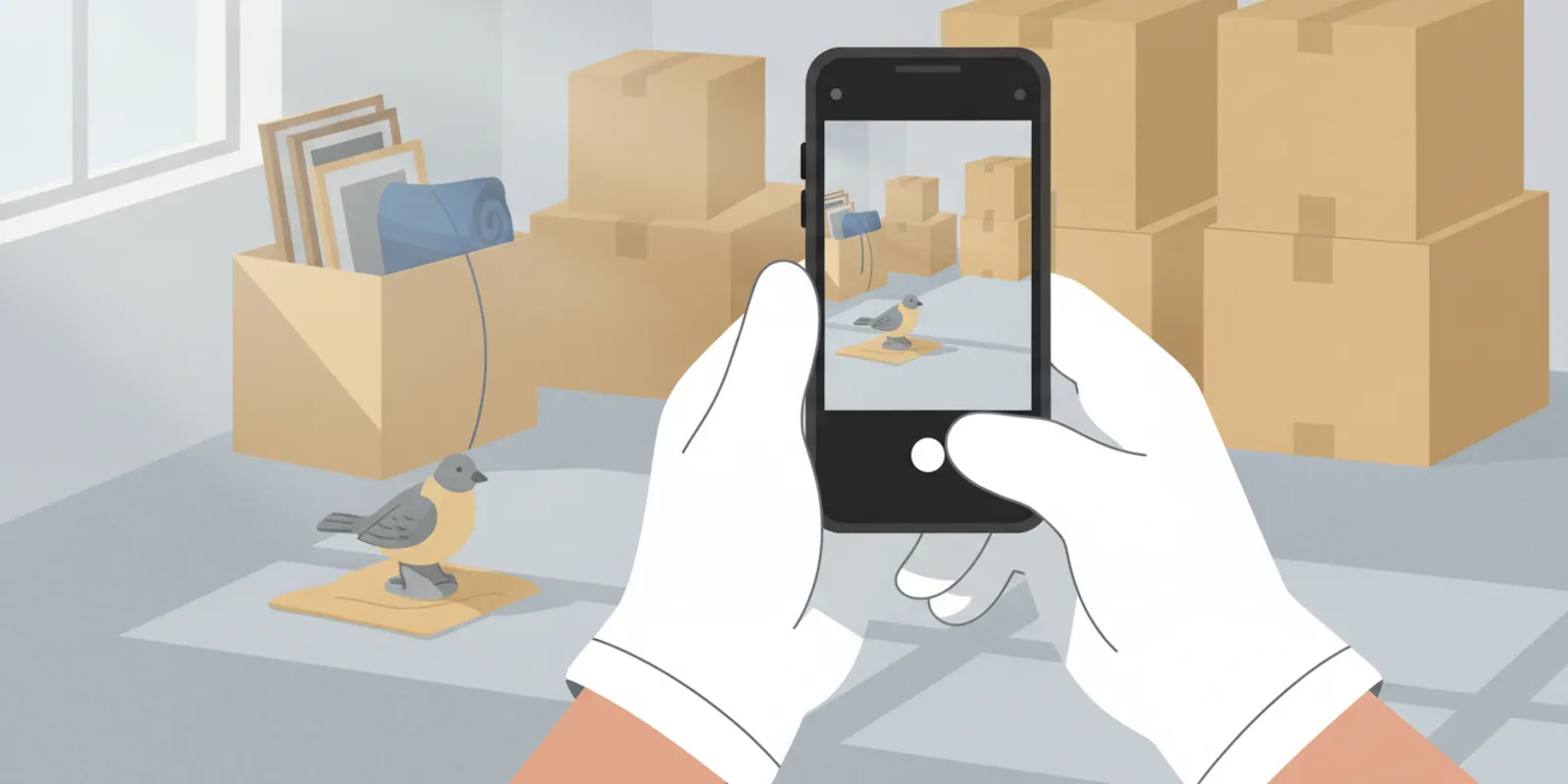
Mobile tools for contents restoration are only useful when technicians can capture accurate job information in the conditions where the work happens. Before choosing an app, test offline capture, device handling, photo volume, and sync behavior with your actual crew and job workflow.
Talk with a contents restoration expert at 1-888-494-4228
A field app is not just a smaller version of an office system. It is part of the operating process for identifying contents, recording their location and status, and making information available to the people handling the next step. If the process is slow or unreliable at the jobsite, technicians may delay entry, take fewer useful photos, or create a second record later. Those gaps become rework for supervisors and office staff.
This guide focuses on practical adoption questions for restoration business owners, project managers, and field leads. It does not assume that a particular device or interface will suit every crew. Instead, use the tests below to evaluate how mobile capture fits your jobs, your environments, and the handoffs that follow pack-out.
What should mobile tools for contents restoration do in the field?
A mobile contents tool should help a technician create a usable digital record at the point of work, then make that record accessible to the team members who need it. The useful question is not how many buttons an app has. Ask whether a technician can capture the right item information, photos, and location without breaking the work sequence.
For a contents inventory, the record may need to show what an item is, where it was found, its identifying details, its photo evidence, and its relevant status or movement through the job. It does not mean every item needs replacement-cost analysis, age, or depreciation. Non-salvage contents require separate documentation and, where applicable, valuation.
Map the mobile workflow from the technician's perspective before comparing tools. Modern AI-powered contents software can significantly reduce what technicians need to enter manually in the field. Rather than stopping to type detailed descriptions for every item, the field workflow can focus on capturing the information AI and the rest of the contents operation will need:
- Open the correct job and select the room or location.
- Scan an item or box barcode when the contents need to be individually tracked through restoration, storage, or return.
- Capture clear photos of the contents and any relevant identifying information, such as brand, model, or serial number labels.
- For contents that do not require physical tracking, such as non-salvage inventory, capture the necessary photos without adding unnecessary barcode steps.
- Add information manually when needed, but avoid requiring technicians to type information that can be generated or organized from the photos.
The workflow should also adapt to the type of contents being documented. Restorable contents that will move through cleaning, storage, and pack-back may require barcode tracking so the physical item or box remains connected to its digital record. Non-salvage contents may not require that same physical tracking workflow. In those cases, technicians can focus on capturing clear photos and let AI assist with building the inventory information after upload.
For a broader view of the connected process, review how a contents restoration job moves through its stages and the workflow from pack-out through completion. These handoffs determine what field information is useful after capture.
How should teams test offline capture?
Offline capability should be more than a backup for the occasional loss of connectivity. During a large contents inventory, technicians may be capturing hundreds or thousands of records and photos. Continuously uploading and downloading that information over Wi-Fi or cellular data can place unnecessary demand on both the connection and the device.
When practical, technicians can treat the phone primarily as an inventory tool while working in the field: capture the inventory locally, complete the work, and synchronize the information when a reliable connection is available. Some teams may prefer to work live when connectivity allows, but the inventory process should not depend on maintaining a constant connection.
This is particularly important in basements, rural properties, large buildings, and other loss sites where connectivity may be weak or unavailable. iCat was designed to allow technicians to continue inventorying offline and synchronize their work afterward.
When evaluating offline capability, test the actual workflow. Open a job, disconnect the device, capture items and photos, close and reopen the application, and then reconnect. Confirm that the work remains available and synchronizes correctly once connectivity returns.
What Makes a Mobile Device Practical for Contents Inventory?
The device itself can have a significant impact on how efficiently technicians work. Contractors should consider whether their contents software works effectively on a smartphone or requires technicians to rely on larger tablets.
During inventory, technicians are constantly moving between rooms, handling and packing contents, taking photos, scanning labels, and reaching behind or around items to capture identifying information such as model and serial number tags. A smartphone can be carried in a pocket and operated quickly without becoming an obstacle to the physical work being performed.
Battery management is also easier with a smaller device. A phone can remain connected to a portable battery carried in a technician's pocket during a long inventory, allowing the technician to continue working while it charges.
Device cost should also be considered when equipping an entire team. A mobile platform that performs well on older or refurbished smartphones can allow contractors to deploy dedicated field devices without purchasing expensive tablets for every technician.
iCat's mobile workflow can be used on both iPhone and iPad, although we generally recommend the iPhone for field inventory because its compact size makes it easier to carry, photograph contents, scan labels, and work around items.
How should mobile tools for contents restoration handle photo volume and syncing?
Photo volume affects storage, upload time, battery use, and the speed at which office staff can review a job. A team should test a realistic set of photos rather than assume that a few sample images represent a full day's work. Large jobs and simultaneous devices can create a different sync load than a short demonstration.
During the test, observe four things: how quickly a technician can capture and review an image, how much device storage the work consumes, how the app communicates pending uploads, and how long the records take to become visible to the office. Verify image clarity after upload. A photo that is technically present but too blurry or too small to identify an item does not support the workflow.
Do not treat faster capture as the only success measure. A rushed photo process can create poor evidence and later rework. At the same time, a workflow that requires repeated retakes or duplicate entry may slow the crew. Compare the time at the jobsite with the time needed to correct, organize, or search the information later.
How do mobile records support pack-out and the next handoff?
Mobile records support a pack-out when they preserve a clear connection among the job, the item or box, its location, and its movement through the process. Field capture is not the entire contents workflow. The record needs to remain useful when items reach storage, cleaning, production, delivery, and pack-back.
For instance, an item photographed in a particular room should not become an unidentifiable image in a large gallery. The record should make it possible for the team to find the item or its associated box, understand its current status, and take the appropriate next step. If an exception arises, the team should be able to separate that item or status from routine work instead of obscuring it in a general note.
Use your pilot to follow a handful of records beyond the initial capture. Ask a supervisor to locate a selected item without asking the original technician for help. Then follow its identifier into any picklist, storage record, or pack-back process your operation uses. This tests whether the mobile workflow produces shared operational information rather than a record only its creator can interpret.
Consider whether your current process supports a clean office handoff. Can an estimator or manager understand what was captured and what remains incomplete? Can the team find an item without repeating the inventory? Are status changes recorded in a consistent way? For guidance on organizing field records, see restoration field inventory best practices and contents pack-out steps for contractors.
How can a contractor run a low-risk mobile tools pilot?
Test the mobile workflow on a real or representative contents job before rolling it out across the company. Have technicians use the same devices and follow the same inventory, photo, labeling, and handoff processes they would use in the field.
Pay attention to the practical issues that affect production: how quickly technicians can capture inventory, whether the device is comfortable to use while working, how the application performs without a reliable connection, and whether the information captured in the field is immediately useful to the office and production teams.
The best test is whether the technology fits naturally into the work. Technicians should be able to inventory, photograph, label, pack, and move contents without the device or software becoming an obstacle.
To compare mobile-specific options, review the guide to pack-out inventory apps. When assessing a broader system, consider how mobile capture connects to the contents restoration platform and its team workflows, not just the field screen in isolation.
Talk with iCat about your field workflow
How Does iCat Connect Field Capture to the Rest of the Contents Workflow?
iCat's mobile workflow is designed specifically for contents restoration. Field capture is not an isolated step or a separate record that needs to be recreated later. The information captured during inventory becomes part of the contents record that follows the job through the rest of the workflow.
iCat's mobile workflow can be used on both iPhone and iPad. While either device can be used, we generally recommend the iPhone for field inventory because its compact size makes it easier to carry, photograph contents, scan labels, and work around items. Contractors can also use older or refurbished compatible iPhones as dedicated field devices, helping reduce hardware costs when equipping larger teams.
Technicians can capture photos and inventory information in the field, including when a reliable internet connection is unavailable. AI-assisted identification and descriptions can reduce manual data entry, while rooms, items, boxes, photos, labels, and barcode information remain connected to the job.
That same information can then support the workflows that follow inventory, including production, storage, non-salvage and LKQ valuation, estimating preparation, reporting, and ultimately pick-and-pack and pack-back.
This is an important distinction when evaluating mobile contents software. The objective is not simply to replace a paper inventory with a mobile one. The information captured in the field should continue to be useful throughout the contents operation without requiring teams to repeatedly recreate, transfer, or search for the same information.
Frequently Asked Questions
Do mobile contents tools need to work offline?
If technicians work where connectivity can be weak, offline access may be essential. Test which actions remain available without a network and how the app saves and syncs changes after reconnection. Do not assume that taking a photo offline means the entire job workflow is available.
Can contents restoration software run on an iPhone?
Yes. iCat's mobile workflow runs on the iPhone, allowing technicians to inventory, photograph, label, scan, and manage contents from a compact device that is practical to carry throughout a jobsite. Contractors can also use older or refurbished compatible iPhones as dedicated field devices, helping reduce hardware costs when equipping larger teams.
How many photos should we include in a pilot?
Use a volume that reflects both an ordinary job and a busier one for your operation. Test across the expected number of technicians and devices, then check image clarity, battery use, storage, upload time, and office availability. A tiny sample may conceal problems that appear during a full shift.
What should the office verify after field capture?
A supervisor should be able to find selected records and understand their job, room or location, item or box identifier, relevant status, and photos without relying on the original technician to explain them. The office should also confirm whether any entries remain unsynced or incomplete.
Is a mobile app enough to manage a contents restoration workflow?
Mobile capture is one part of the workflow. Contractors should also consider how records remain useful for inventory management, team handoffs, storage, production, and return. Evaluate the field app as part of the full operating process rather than as a standalone screen.
Mobile contents software should make field inventory easier without disconnecting that information from the rest of the job. With offline iPhone workflows, photo-based inventory, AI-assisted identification and descriptions, barcode and labeling tools, and a connected contents record, iCat helps contractors capture information where the work happens and continue using it throughout the contents restoration workflow.
Talk with a contents restoration expert at 1-888-494-4228