
iCat resource
Home Insurance Restoration: Storm Inventory for Contractors

Home insurance restoration after a storm is a capacity problem for a contents contractor, not a homeowner guide. Jobs arrive together. The experienced crew does not. Temporary staff, overflow storage, and a much larger photo inventory have to carry the surge. This guide shows how that work stays connected inside a contents restoration software workflow.
Talk through your contents workflow
What does home insurance restoration demand when jobs surge?
It demands more documented contents from roughly the same experienced team. A storm or flood can turn a normal week into many pack-outs, a pile of non-restorable belongings, and storage the home shop cannot hold. The operations manager has to add hands and space without losing the item record.
The pressure shows up in four places. Field crews need to photograph large volumes quickly. Temporary labor has to capture contents without writing a description for every piece. Overflow warehouses and extra cleaning sites have to stay on the same job record. The office still has to estimate and bill as the job count rises.
Coverage decisions stay with the homeowner and the insurer. The contractor's job is the contents work it was authorized to perform. That boundary keeps this guide on operations. It is not a policy manual, and it is not a homeowner checklist for filing a claim.
iCat is built for that contractor workload. Live site copy says the platform helps a team complete more work with the people it already has. The point of a storm response is the same: stretch experienced staff across more jobs, then let software carry the repeatable record.
How does photo inventory let temporary staff keep up?
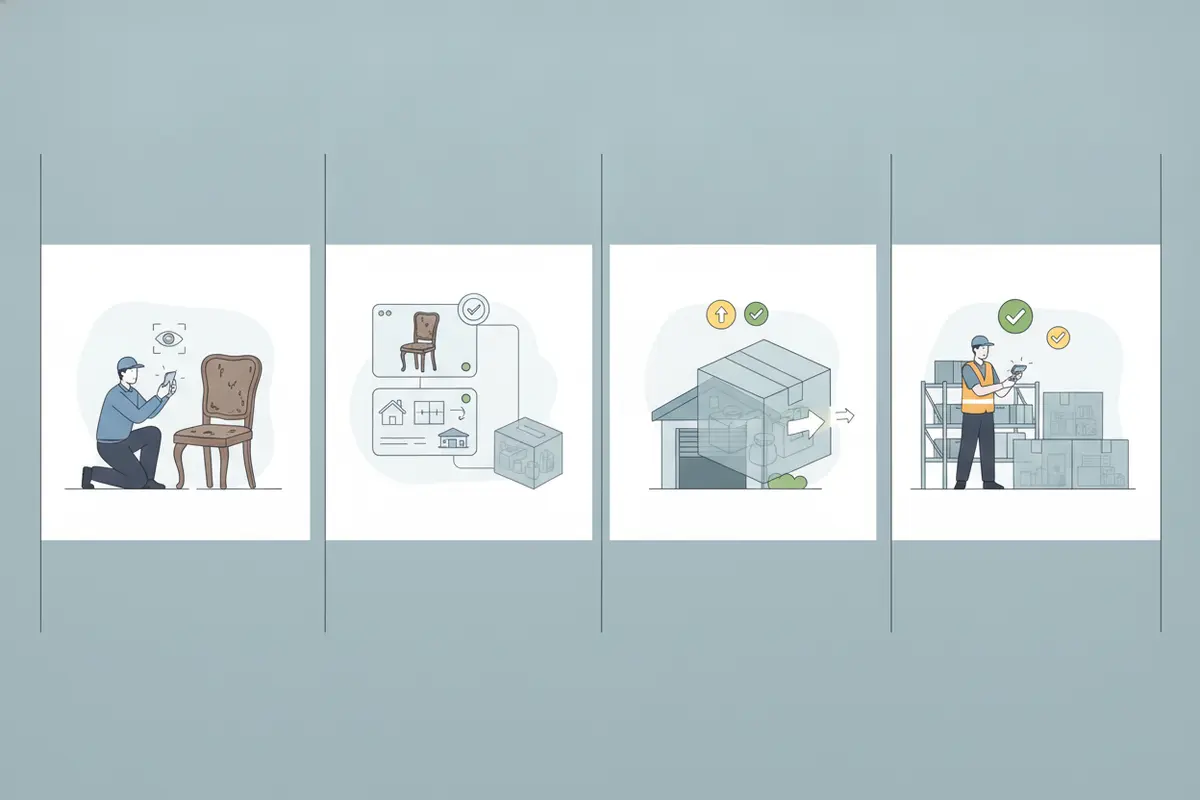
Photo inventory lets a less experienced person capture the item instead of describing it from memory. On the live platform, iCat creates detailed contents inventories from photos. The pricing page lists automated descriptions, valuations, and more from photos in the Enterprise AI plan. A temporary tech can photograph the piece, tag the room, and move on.
The experienced lead still owns the judgment. iCat reports item condition so the team can decide what happens next. It does not categorize the item for them, and it does not decide whether the piece is salvageable. Review the photo and the generated description while the item is still easy to revisit.
Keep the minimum record operational. For a tracked item, capture the photo, a usable description, the room or source, an item or box identifier, relevant condition, and current status. Add movement and storage when custody changes. Add production or return detail only when that stage applies. Do not force replacement cost, age, depreciation, or actual cash value onto every ordinary item.
A practical test is simple. Could someone who was not in the room identify the item, see where it came from, and tell where it goes next? If not, fix the photo or flag the gap before the crew leaves. The restoration field inventory guide covers the capture routine in more detail.
How should a contractor split experienced staff and temporary labor?
Put experienced people in charge of several small crews. Do not park every decision on one veteran who walks every room. A project manager or field supervisor sets the capture standard, checks exceptions, and moves between teams. Temporary labor photographs contents, applies identifiers, and stages boxes once that standard is clear.
Train the temporary role on a short routine, not the whole job. Tell the person which items to photograph, how to name the room, and when to stop and ask. Keep the experienced role on review, access problems, and crew assignment. That split is how a company covers more properties without hiring a matching number of veterans.
Unlimited users matter during the surge. The live plan says unlimited users and no per-seat fees. Adding a temporary tech should not mean buying another seat or rationing logins in the busiest week of the year. The supervisor still owns quality. The software removes the need for every new person to already know how to write a contents description.
Issue the work before the crew leaves the shop. Name the lead, the properties, and the first rooms. A shared job structure beats a verbal plan that never reaches the warehouse. If two crews work the same house, give them different rooms so they do not create competing identifiers.
How do non-salvage inventory and LKQ fit a storm loss?
Storm and flood losses often create large volumes of contents that cannot be cleaned and returned. Those items need their own non-salvage record. Identity and photos come first. Replacement information, age, depreciation, and actual cash value come only when that item needs a valuation. Homeowner input, when the job calls for it, stays on this branch too.
Do not research every non-restorable item on site. Train additional people to take the photos. AI can assist with identification and descriptions from those photos, so a lead reviews results instead of typing every line. On this branch, like-kind-and-quality valuation can also be part of the review, when the job actually requires it.
Keep two money rules apart. AI pricing and valuation need a qualified operator to review them before anyone treats them as final or uses them for a claim decision. Paid iCat LKQ is different. Current platform wording calls that optional paid service guaranteed-accurate LKQ when the valuation is completed through iCat LKQ. Do not call ordinary AI pricing guaranteed, final, or error-free.
Also keep estimating separate from both. Inventory and production records support an estimate by documenting quantities, photos, and services. They are not the estimate. General contents may use applicable flat-rate box pricing. Other contents use applicable line items. Pack-out, pack-back, storage, and transportation each follow their own approach.
How does offline inventory keep field work moving?
Offline inventory lets a crew keep capturing contents when the storm has knocked out reliable service. The live site says iCat supports full offline field work on compatible iPhones. The inventory page says teams can keep capturing and synchronize when service returns, which cuts duplicate notes and end-of-day reconstruction.
Say the limit out loud. Internet is still required before AI can process those photos. A crew in a dead zone should not expect instant descriptions. They photograph, identify the room, and sync at a known point. The lead reviews the new records the same day, after the sync, not from memory at the shop.
Use a short deployment check before the trucks roll:
- Name the experienced lead for each crew and the jobs that lead owns.
- Confirm each person can open the assigned job on a compatible iPhone.
- Set the photo and identifier standard before anyone leaves.
- Tell the crew what to do when a photo cannot be described on site.
- Sync at a set time and have the lead review the new records that day.
That sequence adds field capacity without inventing a new inventory method for every storm. For the wider mobile routine, see how contents inventory software keeps field and office records on the same item.
How do temporary storage and cleaning sites stay on the job?
The home warehouse often runs out of floor before the work runs out. Contractors then open overflow storage, a temporary cleaning space, or another processing site. The risk is not the extra building. The risk is contents that live in someone's memory instead of a shared record.
iCat's platform tracks contents, locations, and storage activity after the pack-out. Live copy describes tracking across nested warehouse and storage locations, with chain-of-custody history. Digital pick lists point crews to the right contents and locations for cleaning, delivery, and pack-back. A box received at an overflow site can sit on the same job the home team already sees.
Give each temporary site one receiving rule. Match the box or item to the job, record where it sits, and update status when it moves. Do not wait until the end of a packed shift. Cleaning choices are made at the facility, not during pack-out. Do not treat the field inventory as proof that a cleaning code was chosen or that a service was performed.
The warehouse management guide goes deeper on location control. Use it when the surge spills into a second building. The goal is one job record, not a side spreadsheet for the overflow site.
How do estimating and billing keep up with the volume?
More jobs create a second surge in the office. Estimating, billing, and status questions pile up even when the field is moving. If each crew keeps its own notes, someone retypes the job before it can be billed. That rework grows with every extra site.
iCat connects inventory, production, storage, estimating, billing, and reporting on one platform. The platform page says estimates are built from inventory and production data, and billing is prepared from work performed. Management views can show jobs, production, storage, and billing without a nightly spreadsheet merge. Customer and adjuster portals can answer status questions that would otherwise become unpaid calls.
Keep the records connected but distinct. Inventory says what was handled and where it moved. Production says which services are underway. The estimate describes applicable charges. None of those records should be collapsed into one vague status such as "in process." A manager needs to see whether the hold is capture, intake, production, or a return appointment.
| Storm pressure | What changes | How iCat supports it |
|---|---|---|
| More jobs, same veterans. | Leads supervise smaller crews and temporary labor. | Photo inventory and AI descriptions lower the skill needed for basic capture. |
| Large non-restorable volume. | More items need photos and a separate valuation path. | Non-salvage records keep review-required AI pricing apart from paid LKQ. |
| Weak cell service. | Crews still have to capture contents on site. | Offline iPhone capture syncs later for AI processing and lead review. |
| Overflow sites. | Work leaves the home warehouse. | Storage locations, chain of custody, and digital pick lists stay on the same job. |
| Office backlog. | More jobs to estimate, bill, and explain. | Connected estimating and billing use inventory and production records. |
Treat beta tools with care. Cleaning-code matching, pack-out material estimates, and measured dimensions can reduce estimating labor, but a qualified reviewer still checks them. Beta is not a finished billing rule. Xactware and Symbility connections are still described as coming soon, so do not plan this storm on a direct estimate push that is not live yet.
What should an operations manager set before the next storm?
Set the capacity rules before the first truck rolls, not during the third intake of the day. Name who leads each crew. Decide which tasks temporary labor may perform. Pick the overflow site and the receiving rule. Tell every crew when to sync and who reviews the photos.
Then make one workflow change at a time. If temporary staff are writing long descriptions, switch them to the photo standard and sample the results with a lead. If overflow boxes vanish, require a location at receiving. If estimates lag, stop rebuilding them from texts and use the connected job record. The contents job process and the pack-out to completion guide show the normal path this surge has to stretch.
A larger catastrophe response, including multi-site deployment, sits in the CAT losses guide. This article stays on the storm inventory a contents contractor has to capture, store, and bill. iCat has worked in contents technology since 2009. Confirm current product scope on the contents restoration platform before you lock a storm plan to a specific feature.
Explore the contents restoration platform
Frequently asked questions
Is home insurance restoration content written for homeowners?
This guide is for contents restoration contractors and operations managers. Homeowners and insurers own coverage questions. The contractor owns authorized inventory, cleaning, storage, and the records that support that work.
Can temporary staff inventory contents without writing every description?
Yes, if the company uses photo inventory. A temporary tech photographs the item and tags the room. AI can draft the description from the photo. An experienced lead reviews the record. The software does not decide salvageability.
What is the difference between AI pricing and paid LKQ?
AI pricing needs a qualified operator to review it before it is treated as final or used for a claim decision. Paid iCat LKQ is an optional service. Current platform wording calls valuations completed through iCat LKQ guaranteed-accurate. Do not merge the two claims.
Can crews keep working when a storm knocks out service?
Compatible iPhones can keep capturing contents offline and sync when service returns. AI descriptions still need an internet connection after that sync. The lead should review the new records the same day.
Should every storm-damaged item get a replacement value?
No. General inventory tracks identity, photos, location, condition, and movement. Replacement value, age, depreciation, and actual cash value belong on the non-salvage branch, and only when that item needs them.
A storm response holds together when temporary crews can photograph contents, overflow sites stay on the job, and the office can estimate from the same record. Talk with iCat about your contents operation to see how that workflow fits your team.