
iCat resource
Field Inspection Software for Contents Restoration Teams

Field inspection software helps contents restoration teams capture consistent job information where the work happens. For a contractor, that means more than taking photos: technicians need to connect each item to its room, identity, condition or status, and next step so the office can act on the record. The right field inspection software supports a dependable handoff from the first site visit through pack-out, processing, and return.
Call iCat at 1-888-494-4228 to discuss your field workflow
Inspection is not a single universal task. A contents team may be documenting what is present, identifying items and boxes, recording movement, or preparing information for estimating and production. A useful system makes those details coherent across the job without turning field capture into an extra paperwork shift.
What should field inspection software do for a contents restoration team?
Field inspection software for contents restoration should help technicians create a traceable, usable record of contents and locations while keeping the work connected to the rest of the job. The purpose is not to collect the maximum number of fields. It is to capture the details that help the next person understand what was seen, where it was, and what happened next.
A practical field record usually answers a few basic questions:
What is the item or container? Use a clear item description or box identity that staff can recognize later. Where was it found? Preserve the room or other location context instead of leaving everything in one undifferentiated list. What evidence supports the record? Attach photos that show the item and, when useful, its identifying details or condition. What is its current status? Make it possible for authorized team members to distinguish what is captured, moved, in production, stored, or ready for return according to the team's workflow. What needs attention?* Flag a question, exception, or missing detail for follow-up rather than quietly treating it as complete.
These are operational records. A general contents inventory does not require replacement cost, depreciation, or valuation details for every item. If an item is later determined to be non-salvage, that is a separate branch with its own disposition rationale and, where applicable, replacement valuation workflow.
For an overview of the broader work, see iCat's contents restoration guide for contractors. It helps put field capture in context: a record is useful when it supports the next task, not just when it exists in a device.
How do you capture useful information without slowing field work?
Good field capture is structured enough to be consistent and light enough to use at the job site. The technician should not have to reconstruct a room or decipher a vague photo after leaving. Set a repeatable sequence that moves from the larger location to the individual item, then verify the record before changing rooms.
- Establish the location. Select or create the room, area, or other job location before adding contents. Keep room names consistent across the team, such as “Primary Bedroom” rather than using several variations for the same space.
- Capture the item in context. Take an overall photo that shows what the item is and its surroundings. Add a closer image when a label, model, distinguishing feature, or condition detail matters.
- Identify the item or box. Use a description specific enough for someone who was not on site to distinguish it from similar contents. For boxed contents, preserve the box identity and its relationship to the source room.
- Record only relevant details. Add condition or status information when it affects the next action. Keep general inventory separate from any later non-salvage valuation details.
- Confirm before moving on. Check the room, description, photo, and identity. If something is unclear, mark it for follow-up while the item and context are still available.
The order matters. If a technician photographs first and tries to identify items later, the team may have to guess which image belongs to which object. If the location is set once and then forgotten, a long list can lose the room-level context needed for retrieval and return. A short review at the end of each room catches many avoidable gaps.
Photo capture should answer a purpose. One image may establish the item and its location; another may clarify a serial label or distinctive feature. Avoid collecting near-duplicate photos that add volume without adding useful evidence. For more on building a defensible visual record, review photo evidence practices for contents work.
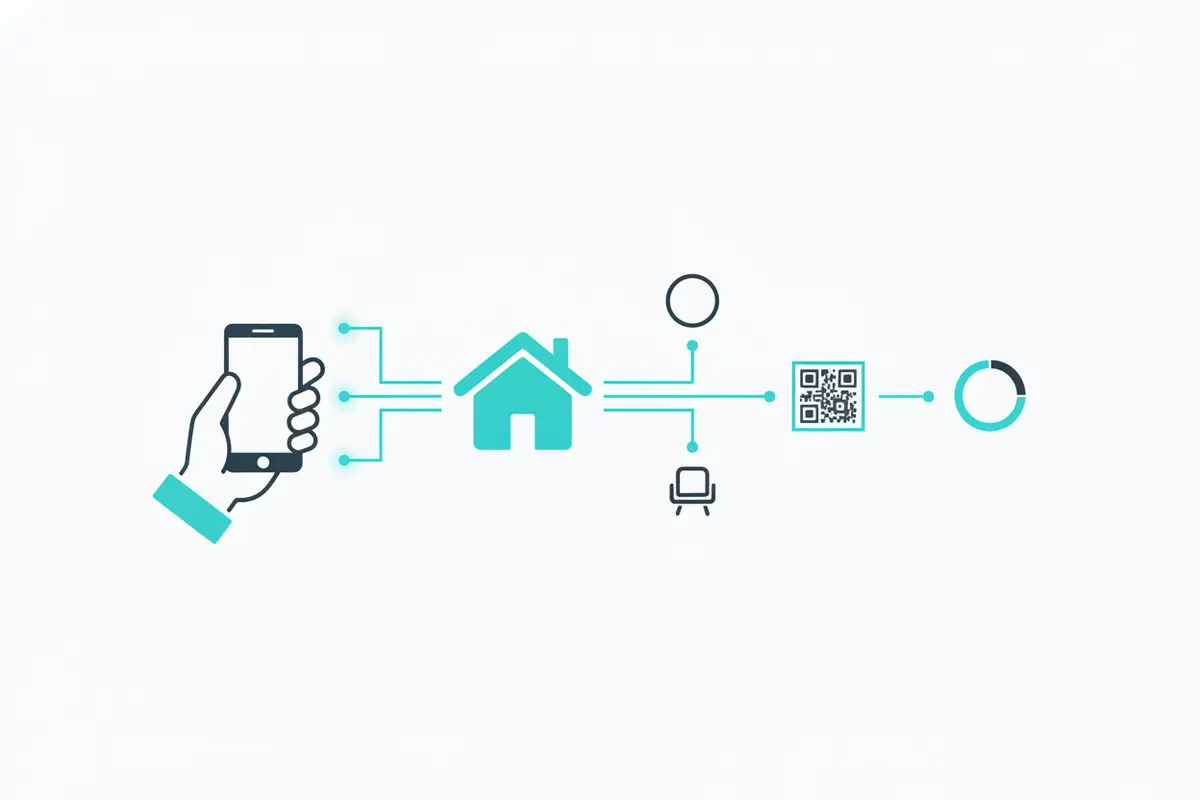
How should offline work and synchronization fit the inspection process?
Offline capability matters when a technician must continue capturing information in a location with unreliable connectivity. A field process should be clear about what can be recorded without a connection, what happens when service returns, and how the team verifies that the job record is available to the office.
Before sending a crew into a site with uncertain service, use a simple operating check:
Confirm the job and any information the team needs are accessible on the field device. Agree on how technicians will identify records created while offline and avoid creating duplicate jobs or item entries. Keep devices charged and use the established job and room naming conventions. When connectivity returns, allow records and photos to sync, then confirm that the office can see the expected items and images. * Escalate missing or conflicting records promptly. Do not assume an upload completed just because the device later shows a signal.
Offline support is not a substitute for sync checks. The handoff is complete when the destination record contains the work the field team intended to send. A supervisor can spot-check a few records from each crew, including a photo, room assignment, and status, before the team closes out the visit.
iCat's product information describes an iPhone app with offline support and a cloud web portal for administrators and managers. See the contents restoration software platform for the current product overview. Confirm device and workflow requirements with the provider before standardizing a company-wide process.
Which field inspection software capabilities deserve a closer look?
Field inspection software is often presented as a broad category, so compare products against your actual contents workflow rather than a generic checklist. A software directory may help identify common evaluation dimensions such as features and pricing, but those listings do not establish whether a system fits restoration operations. Slashdot's field inspection software comparison is one such directory.
Use a focused evaluation to determine whether field capture will support the work after the inspection:
| Capability to evaluate | Question to ask | What to verify in a realistic test |
|---|---|---|
| Room and location context | Can the team keep item records tied to the right room or work area? | Capture items in two rooms and confirm each stays associated with the correct location. |
| Photo and item identity | Can a technician connect useful photos to a distinct item or box record? | Record similar items and confirm another team member can tell them apart later. |
| Offline field work | What remains available without a network connection? | Run a small test in offline mode, reconnect, and verify records and images in the office view. |
| Status and exceptions | Can the team distinguish completed work from pending questions or movement? | Mark an item for follow-up and see whether the open exception remains visible to the right staff. |
| Handoff and reporting | Can office staff use the field record for inventory, production, and estimating tasks? | Follow one sample record from capture to the next team member's action without retyping core details. |
| Scaling and data access | Can the workflow accommodate more jobs, users, or connected systems? | Ask about user access, data export or API options, and how the system fits existing operations. |
Ask vendors to demonstrate a representative job, not a polished screen tour. Use a sample with multiple rooms, similar items, a box, a status change, and one unresolved question. Watch how much information must be entered twice, whether the record remains understandable to someone outside the field crew, and what supervisors can see without calling the technician.
Integration questions should be specific to your process. Find out which information can move between systems, whether it moves in one direction or both, and who owns error resolution. iCat provides a REST API overview for teams assessing programmatic access; confirm current availability and fit for any intended connection.
How does field documentation improve the handoff to the office?
A reliable field record gives office staff enough context to act without asking the crew to recreate the visit from memory. It supports inventory management and production by showing what was recorded, where it came from, and what status or exception remains. It also gives estimators a clearer basis for understanding quantities and services performed, instead of requiring them to reconstruct the job afterward.
Keep distinct workstreams distinct. A contents inventory and production record document the contents and services being managed. Applicable pack-out, pack-back, storage, transportation, or other service estimating follows its own approach. Non-salvage replacement valuation is separate and should only enter the workflow after the item has been determined non-salvage.
At each handoff, the outgoing person should make three things clear: what is complete, what is in progress, and what needs a decision or correction. The receiving person should be able to locate the record, understand its evidence, and take the next action without guessing. If the workflow includes physical labels, keep the digital identifier and physical item or container aligned through movement and storage.
For practical field and inventory process guidance, see restoration field inventory best practices and the contents job workflow from pack-out to completion. These resources can help teams make capture rules consistent from the site through later stages.
What implementation steps help a field team adopt the process?
Software alone does not standardize field work. Establish a small set of shared conventions, test them on a live or representative job, and refine the process before rolling it out to every crew.
- Map the current handoffs. Write down who captures information, who reviews it, and what each person needs next. Include field technicians, coordinators, production leads, and estimators where relevant.
- Set naming and status conventions. Define room names, box identification practices, and the small set of statuses staff should use. Explain when to flag an exception rather than choosing a status that suggests certainty.
- Choose a pilot job. Include multiple rooms, a mix of individual and boxed contents, and at least one realistic follow-up item. Avoid using only a simple job that will not expose workflow gaps.
- Review record quality. Check whether item identity, location, photos, and status make sense to someone who did not perform the capture. Track repeated missing details, duplicate records, and delayed office follow-up.
- Train on exceptions. Show staff what to do when an item is unclear, a photo is missing, connectivity drops, or a record cannot be matched. A clear exception path is safer than silent workarounds.
- Adjust and reinforce. Use pilot feedback to simplify fields and instructions. Review a sample of new jobs periodically, and coach to the agreed process rather than introducing a new convention on every project.
Measure whether the process is working with operational indicators: the share of records returned for clarification, time between field capture and office availability, duplicate entries, and unresolved exceptions at handoff. Use these measures to find workflow friction, not to reward technicians for entering more data. A shorter record that is accurate and actionable is better than a long record that no one trusts.
Talk to a contents restoration software expert about your workflow
Frequently Asked Questions
Is field inspection software the same as contents inventory software?
Not necessarily. Field inspection software is a broad label for capturing information at a work site. Contents inventory software focuses on identifying and managing contents through restoration workflows. A contractor should check whether a field tool also supports room context, item or box identification, status, movement, and the office handoff needed for contents work.
What should a technician photograph during a contents inspection?
Capture images that identify the item and provide useful context. Add a closer view when a label, model, distinguishing feature, or condition detail matters. Avoid duplicate images that do not improve identification or support a next step.
Can field teams keep working when connectivity is limited?
That depends on the specific product and setup. Confirm exactly what remains available offline, then test record creation and photo capture without a connection. After reconnection, verify that the expected records and images are available to office staff.
Does every item in a contents inventory need a replacement valuation?
No. General contents inventory records identify and manage contents through the workflow. Replacement valuation is a separate process for items determined to be non-salvage, when that workflow applies.
How can a contractor tell whether a field tool fits the business?
Test it against a representative job and follow several records from field capture into office use. Check whether staff can preserve location and identity, handle offline work and exceptions, and complete the handoff without unnecessary duplicate entry.
Choose field inspection software by how well it helps your team create accurate, understandable records and move work forward from the site. A consistent capture process, clear exception handling, and verified handoffs make the technology useful across the full contents job.