
iCat resource
What Is Contents Restoration for Contractors: A Practical Guide

Contents restoration is the contractor work of documenting, moving, cleaning, storing, and returning personal property after a loss. The job is not a room list. Each item needs an identity, a location, a status, and a next step that field and facility teams can share.
Talk with a contents restoration expert
This guide explains what contents restoration contractors actually do, then shows where modern software reduces the manual work inside that process. It is written for an owner or operations manager who wants one connected record from the property through pack-back. For the wider operating picture, start with this contents restoration guide for contractors.
What is contents restoration?
Contents restoration is the work of handling personal property after a loss. It is separate from drying or rebuilding the structure. A contents crew identifies what is in the property, moves it safely, processes what can be restored, stores it, and returns it to the right rooms. Items that cannot be restored follow a separate non-salvage path.
The work touches several roles. A field technician captures items where they sit. A warehouse lead receives, locates, and moves them through cleaning or storage. An estimator turns quantities and services into a billable scope. A project manager needs to see what is moving, what is blocked, and what is ready to go home.
Two record types stay distinct. General inventory covers identity, photos, room or location, box or item ID, condition or status, movement, storage, production, and return. Replacement value, age, depreciation, and cash value belong to non-salvage work when that branch applies. They are not required fields on every inventoried item.
The practical standard is simple. Anyone on the job should be able to tell what an item is, where it is, and what happens next. They should not have to rebuild that answer from texts and memory.
How does the contents restoration process run from inventory to pack-back?
A contents job follows the item, not a stack of separate checklists. Inventory creates the record. Pack-out, production, storage, and pack-back then use that same record so later teams are not guessing what left the property.
- Capture the inventory in place. The field team photographs items and, when physical tracking is required, scans a barcode or QR label. The photo, room, and identifier stay attached before the item moves.
- Pack out and move. Items are grouped into boxes or handling units, labeled, and tied to a destination. The load should match the inventory before it leaves.
- Receive into the facility. The warehouse confirms what arrived, notes exceptions, and assigns a storage location or a production location. Cleaning choices are made live at the facility, not during pack-out.
- Clean, restore, and store. Production status and location stay current together. Digital pick lists point staff to the right item and bin. That replaces a paper hunt.
- Handle non-salvage separately. When an item will not be restored, its evidence, rationale, and valuation stay on a distinct branch. Ordinary cleaning work does not absorb that decision.
- Estimate and bill from the work. Inventory quantities and production services feed estimating and billing. Pack-out, storage, transportation, and pack-back each have their own approach.
- Pack back to the right rooms. Staff pick, package, and return contents using the same identity and location history. Exceptions stay visible until they are resolved.
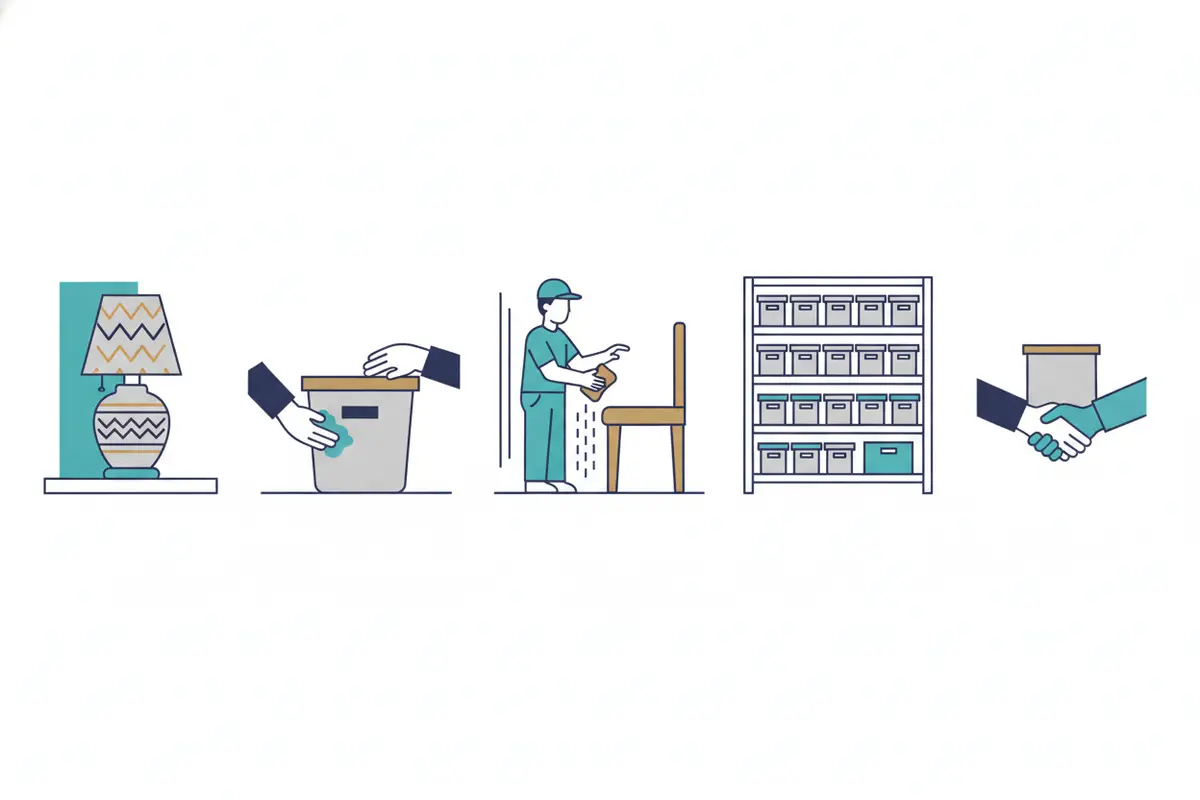
Use the contents job workflow from pack-out to completion when you want the stage map beside this overview. The point of the sequence is continuity. A photo taken in the living room should still identify the item when it is cleaned, stored, and delivered.
How is AI changing contents inventory?
AI changes contents inventory by turning a photo into a usable item record. Technicians stop typing descriptions by hand. On iCat, a technician photographs the item and syncs the capture. The technician can also scan a barcode when a physical label is required. AI then assists with identification and the written description.
That is the labor problem owners actually feel. Typing descriptions, sorting photos, and re-entering data consume time the crew is rarely paid to spend. Photo-based capture keeps the technician moving through the property while the software drafts the inventory detail. iCat has built photo inventory with automated descriptions since 2009. Current AI extends that same idea. See the company background for that history, and confirm current wording on the live product pages.
Offline mobile inventory matters on real jobs. Basements, remote properties, and damaged buildings often have weak phone service. A field app should let the crew capture photos and identifiers without a connection. The app then syncs when service returns. The record should not depend on someone rebuilding the day from a camera roll.
Barcode tracking is optional support. It is not a second inventory. Use a scan when the crew needs a physical label to follow a box or item through the warehouse. The scan ties the label to the photo record. It does not replace the description AI drafts from the image.
AI reports condition and drafts identification. It does not decide whether an item is salvageable. It also does not categorize that decision for the contractor. A qualified person still makes the call. For the field routine itself, see these restoration field inventory practices and the photo evidence guide.
How do contractors manage cleaning, production, and storage?
After pack-out, the contents division earns its money in the facility. Cleaning, storage, and retrieval have to stay tied to the same items the field team photographed. If location and status drift apart, crews spend the day searching. They are not producing.
Cleaning decisions happen at the facility, where staff can see the item. Pack-out inventory records what left the property. It does not assign the cleaning method. Cleaning decisions are made by the restoration team based on the item's condition and required treatment. iCat's AI-assisted cleaning-code matching can help estimators identify applicable billing codes. That reduces manual research while the final selection stays under user control.
Production management is the live queue. Staff need to see which items are in cleaning, which are ready for the next step, and which are waiting on a decision. Digital pick lists guide a technician to the item and its storage location. Checkpoints help the team avoid missing a box. That replaces clipboards and warehouse notes.
Storage is location history, not a single bin name. Contents often sit in nested warehouse locations. They move between cleaning and holding, and the team must find them months later. Chain-of-custody history shows where an item went. A warehouse management workflow should keep that location tied to production. The contents restoration job process shows how field capture and facility work stay connected.
How should non-salvage inventory and LKQ valuation work?
Non-salvage inventory is a separate path for items that will not go back through ordinary cleaning and return. It starts only after a person decides the item is not being restored. Until then, the item stays on the general contents record. That record holds its photo, identity, location, and status.
On that branch, the record can add what general inventory does not need. That includes a Schedule of Loss, like-kind-and-quality detail, age, depreciation, replacement cost, and actual cash value where the job requires them. Evidence, the item-specific reason, authorization, and chain of custody stay with that record. Homeowner input, when it is part of the job, belongs here too.
Like-kind-and-quality valuation prices a comparable replacement. It is not a note in the condition field. iCat offers AI-assisted LKQ valuation to help contractors identify comparable replacements and prepare non-salvage documentation. Valuation results should be reviewed for accuracy and suitability before being finalized or submitted.
Keep the two ideas apart. Keep both off the general inventory. The non-salvage contents processing steps walk through that branch without mixing it into everyday pack-out and cleaning.
How do estimating, billing, and operational visibility fit the job?
Estimating and billing use the inventory and production record. They are not another copy of the item list. Quantities, photos, and services already captured in the field and facility give the estimator a starting point. The scope is not rebuilt from memory at the end of the week.
Not every service is priced the same way. General contents may use applicable flat-rate box pricing. Some contents use applicable Xactimate line items. Pack-out, pack-back, storage, and transportation each follow their own estimating method. Confirm that method for the job. Do not force one price type onto every record.
iCat provides contents estimates and billing support from inventory and production data, plus reporting the office can use for the job. It also provides estimating reports that help contractors prepare documentation for accurate Xactimate entry. iCat is developing direct Xactimate integration to streamline estimating workflows, including AI-assisted code matching and the transfer of supported estimate information. Availability and supported functionality should be confirmed against the current release. AI-assisted cleaning-code matching can suggest applicable billing codes. It is not a substitute for the estimator's review.
Operational visibility is the management view of that same chain. Owners and project managers should see active jobs, facility work, storage, and open exceptions. They should not have to call the warehouse for that view. The goal is control as volume grows. It is not another meeting to reconstruct where the contents went.
| Workflow | What the team is doing | How iCat supports it |
|---|---|---|
| Field inventory | Identify contents before they leave the property. | Photo capture, AI-assisted descriptions, optional barcode scan, and offline sync. |
| Pack-out and receiving | Move labeled contents and confirm what arrived. | Item and box identity carried into the facility record. |
| Production and storage | Clean, locate, and retrieve contents. | Digital pick lists, location history, production status, and AI-assisted cleaning-code matching. |
| Non-salvage valuation | Document items that will not be restored. | Separate LKQ, depreciation, and value fields. Keep the review rules clear. |
| Estimating and pack-back | Price the work and return contents to the right rooms. | Estimating, billing support, job reporting, and pack-back from the same record. |
How does iCat connect the entire contents workflow?
iCat connects contents restoration in one platform, from the first photo through pack-back. It is not a handoff log. Inventory, physical work, and the administrative and financial workflows stay on the same item record. That is the difference between a contents system and a pile of disconnected tools.
On the inventory side, technicians capture photos and sync from the mobile app, including after offline work. They scan barcodes when a label is needed. AI helps with identification and descriptions so the crew is not typing every line. That photo record is the foundation the rest of the job uses.
Physical operations then cover pack-out, production, storage, and pack-back. Digital pick lists, warehouse locations, and chain-of-custody history tell staff what to get and where it sits. Production status shows cleaning and restoration work in progress. Pack-back uses the same identity to return contents to the correct rooms.
Administrative work sits on top of those facts. Non-salvage items can move into like-kind-and-quality valuation. Estimating and billing draw on inventory quantities and services performed. Reporting gives managers a job-level view. The contents restoration platform describes that span. It covers inventory, pack-out, production, storage, pack-back, valuation, estimating, billing, and reporting.
For an owner comparing tools, the buying question is simple. Can one system carry the item from the property to return without re-keying? The contents restoration software selection guide covers features, pricing shape, and fit. Compare the current offer on the iCat pricing page before quoting a figure.
The operating result is capacity. A contents division can document, process, and return more property with the team it already has. Less time goes to unpaid data entry and searching. That is the practical promise of contents restoration software. The work of the job stays connected, and people stay on the work they are paid to do.
Discuss your contents workflow with iCat
Frequently asked questions
What is contents restoration for a contractor?
Contents restoration is the work of documenting, packing out, cleaning or restoring, storing, and returning personal property after a loss. It is separate from structural drying and rebuild. It depends on a shared item record from the property through pack-back.
How does AI help a contents inventory?
A technician photographs the item and syncs the capture. The same capture can include a barcode scan when a label is required. AI assists with identification and the written description so the crew is not typing every line. A person still decides whether the item is salvageable.
Does every contents item need a replacement value?
No. General inventory records identity, photos, location, status, and movement. Replacement cost, depreciation, and like-kind-and-quality detail belong on the non-salvage branch. Add them when that item will not be restored and the job requires valuation.
Where are cleaning decisions made?
Cleaning decisions are made by the restoration team at the facility, based on the item's condition and required treatment. Pack-out inventory does not assign the cleaning method. iCat's AI-assisted cleaning-code matching can help estimators identify applicable billing codes. The final selection stays under user control.
What should contents software connect on one job?
It should carry photo inventory, offline mobile capture, and barcode tracking when used. The same record should also carry warehouse location, production status, non-salvage valuation, estimating, billing support, and pack-back. Disconnected lists create the rework a contents platform is meant to remove.
Contents restoration works when the item captured at the property is the same item cleaned, stored, valued when needed, and returned. Start with photo inventory and AI-assisted descriptions, then keep production, storage, and pack-back on that record.